Start with the kind of participation you want: a question everyone can answer, a challenge for volunteers, or an activity that gets students moving. Browse the games below, then open the rules and previews to decide what fits your gathering.
Match the game to your room
Check whether the instructions call for a screen, presentation software, supplies, or space to move. Set up the equipment and walk through the rounds before students arrive.
Choose how students will participate
Read the rules for how players answer, compete, or volunteer. Use those details to decide whether the game suits your students and the time you have available.
Preview before you buy
Review the available rules and example rounds on each product page. Check the included files so you know what you will download and what you need to provide.
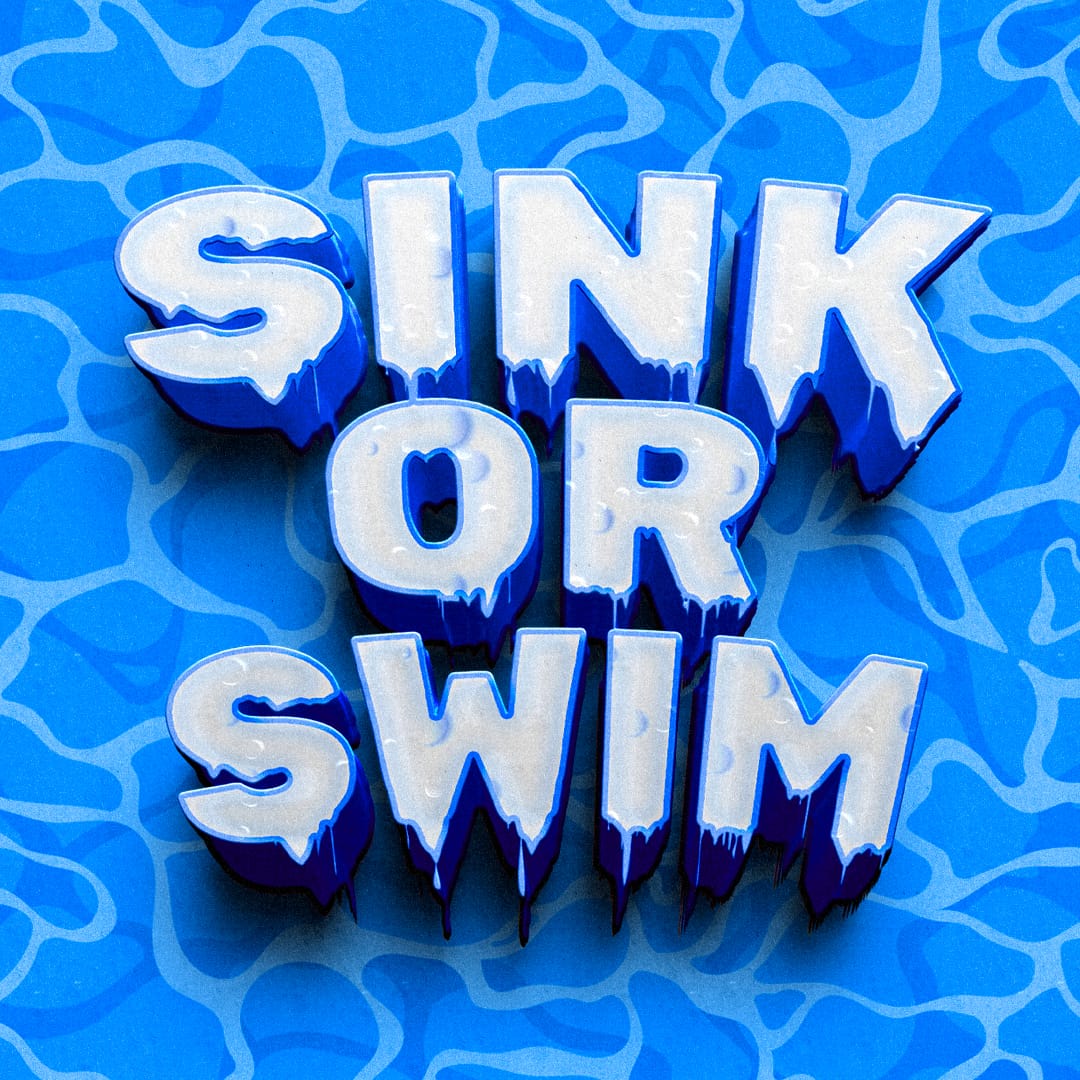
An apple and a sponge can make a room choose sides. Sink or Swim asks students to predict whether the item on screen will sink or float, then move to show their answer. The reveal settles each prediction without setting up a water tank.
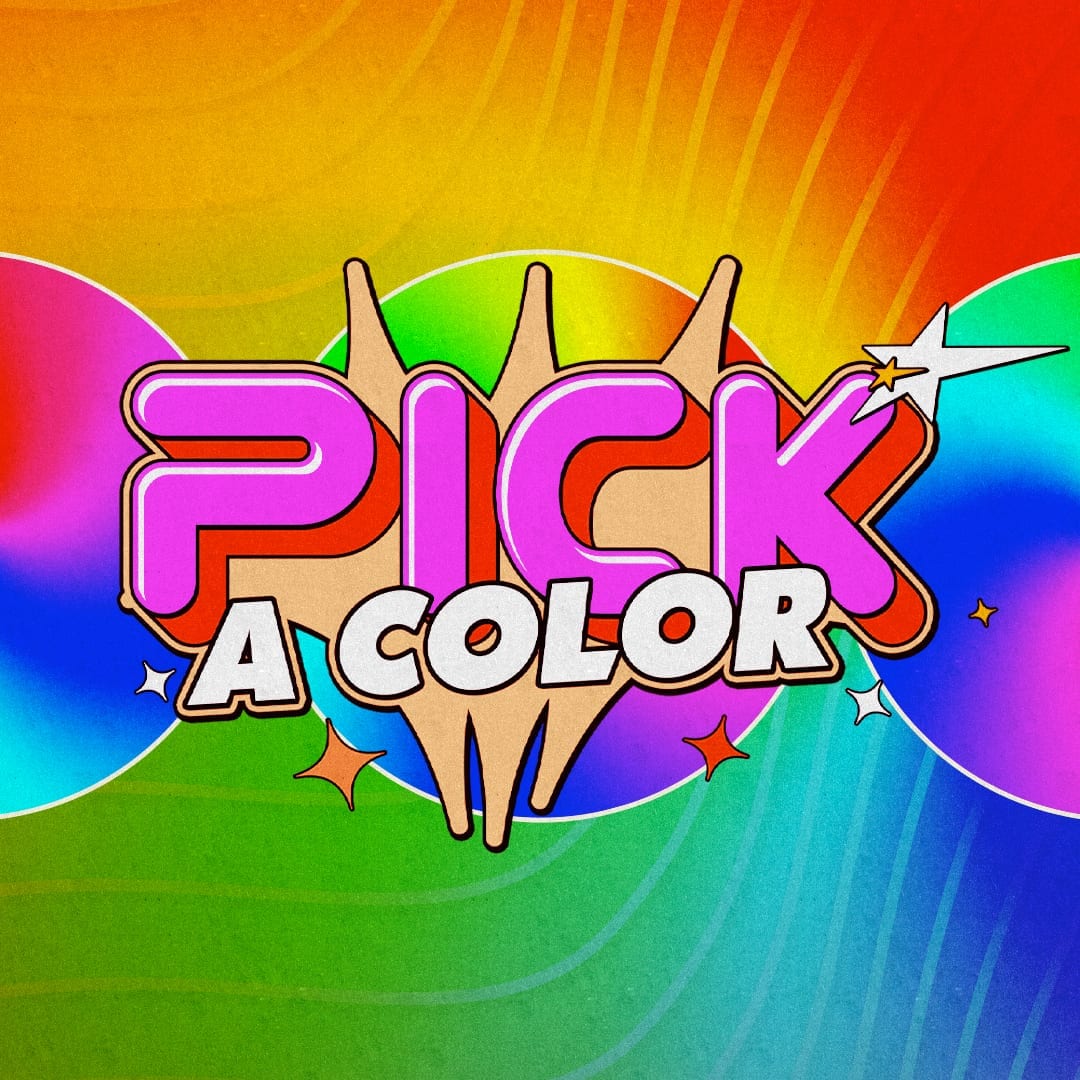
Every answer fits somewhere in the rainbow, but the questions can go anywhere. Pick a Color challenges students with trivia whose solutions are always colors. Work out the clue, name the shade, and see how far that one simple rule can take your guesses.
Being the favorite will not win this guessing game. In Average Fast Food, the crowd votes for one of three food choices, and contestants predict which option finishes in the middle. The room supplies the result, so knowing your audience is the challenge.
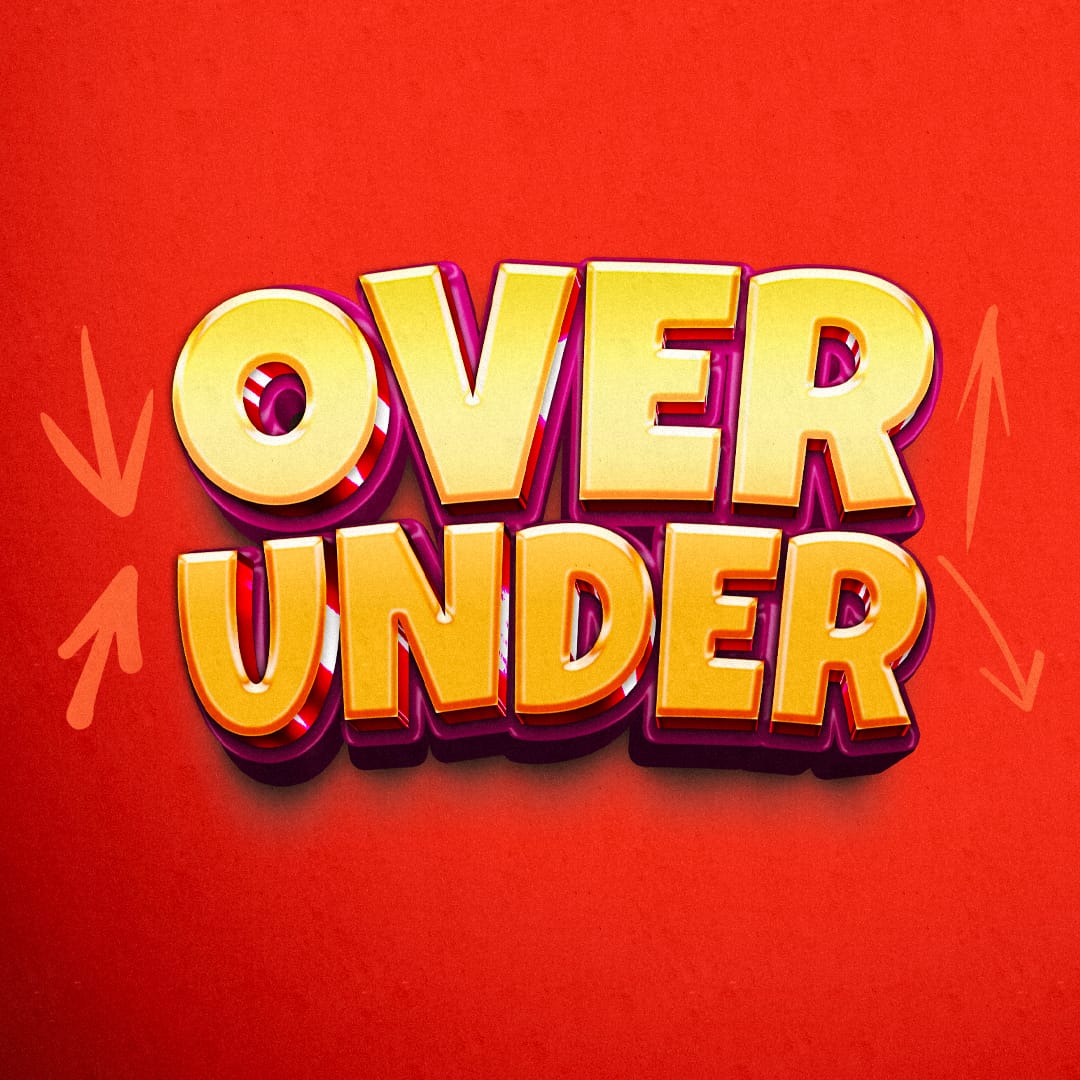
Put your instincts to the test with 11 rounds of higher-or-lower trivia. In Over Under Vol. 2, every question comes with a number. Players have 10 seconds to choose OVER or UNDER, and every correct call earns a point. Everyone stays in until the final reveal.
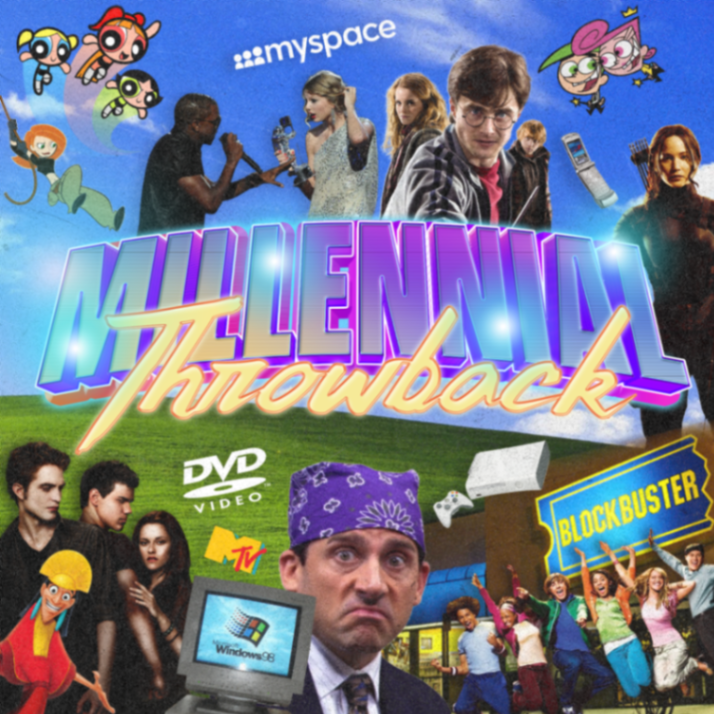
Old gadgets and familiar songs get another turn in the spotlight. Millennial Throwback sends representatives from two teams to the buzzers for a nostalgia contest, combining pop culture questions with finish-the-lyrics challenges. Buzz first, answer well, and watch for a chance to steal.
Basketball knowledge helps, but you'll need to read the pictures too. The Emoji Game - March Madness Edition gives students basketball-themed emoji puzzles to decode. Players identify the basketball connection, compare it with the answer, and try to finish with the most points.
Your forehead is the starting line, your mouth is the finish, and your hands are out of the picture. Oreo Slide challenges contestants to move a cookie down their face using facial movement alone. Keep it moving, keep it balanced, and keep track of the drops.
New Year’s resolutions are easy to announce and harder to act out silently. New Year New Me gives two volunteers a list of resolutions to communicate to their teams through gestures alone. The team that works through its whole list first gets the fresh-start victory.
AI Knows Best is a screen guessing game for youth groups where players try to match an AI's list of answers. Show a category, have students write their guesses, then reveal which answers made the list. A good answer still has to match!
You might know the song after one line—if the line were facing the right direction. Backwards - Pop Music Edition reverses pop lyrics on screen, challenging students to decipher the text and name the song before someone else reads their way to it.
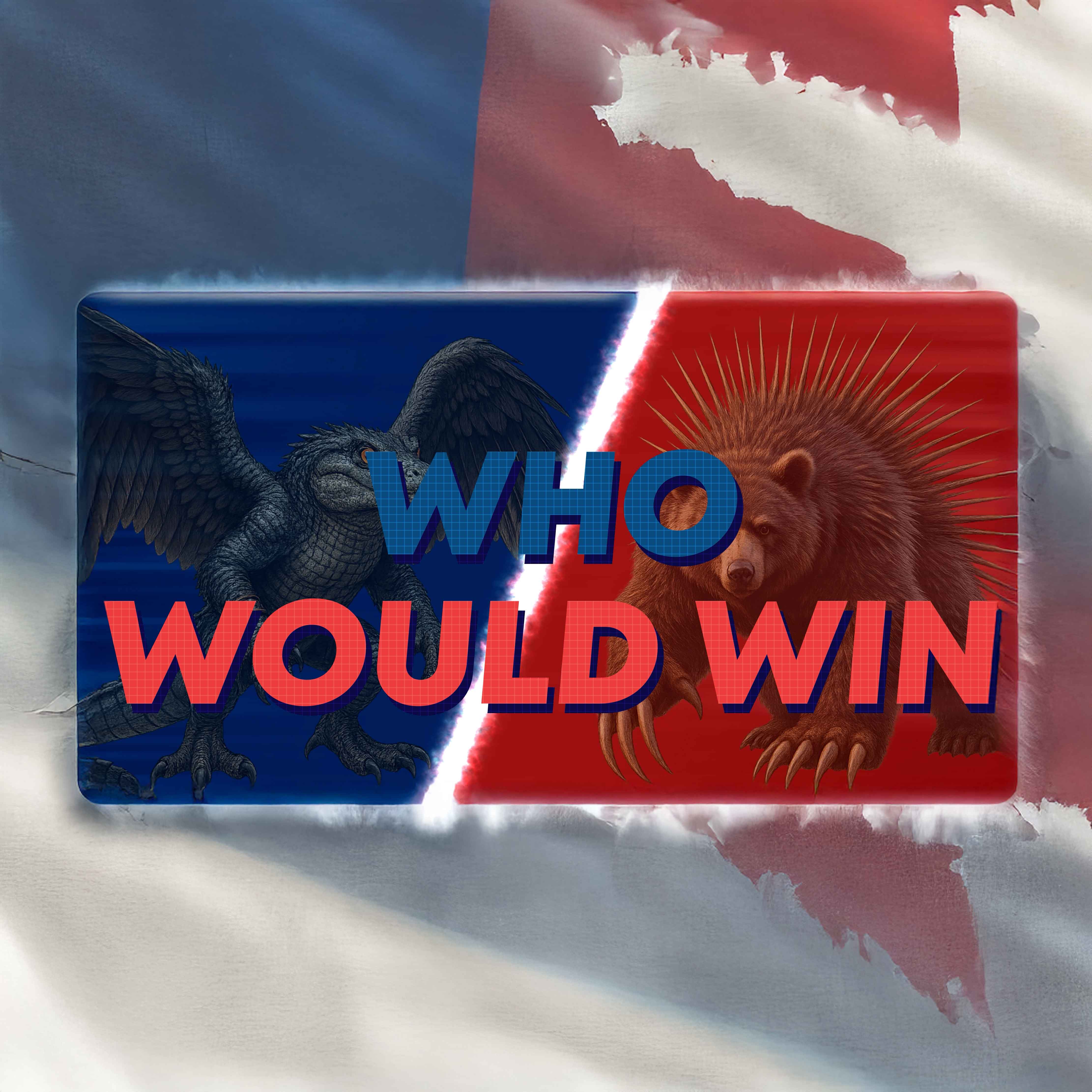
An alligator falcon faces a porcupine bear, and someone has to make the case for each one. Who Would Win gives contestants imaginary creature matchups to debate. After both sides argue their creature's strengths, the audience moves to vote for the more convincing case.
Halloween movies get some very unhelpful summaries in Short Stories - Halloween Edition. Students read a short description and try to recognize the film behind it. A familiar story can sound completely different when its plot gets squeezed into a few odd words.
The next Easter egg might hold points, food, or the hunt's golden prize. The Hunt – Easter Egg Edition sends small teams searching a room for eggs with different surprises inside. Leaders prepare the hiding places and contents; students supply the curiosity.
That lyric has been stuck in your head, but can you name the song? Name That Tune - TIKTOK Edition puts familiar lines on screen for students to identify. Make the connection before the reveal supplies the title, artist, and face behind the track.
A tortilla becomes the canvas and a toothpick becomes the carving tool in Toothpick Artist - Cinco De Mayo Edition. Contestants try to create the best sombrero design they can. Set out the materials and see how much detail a very small tool can manage.
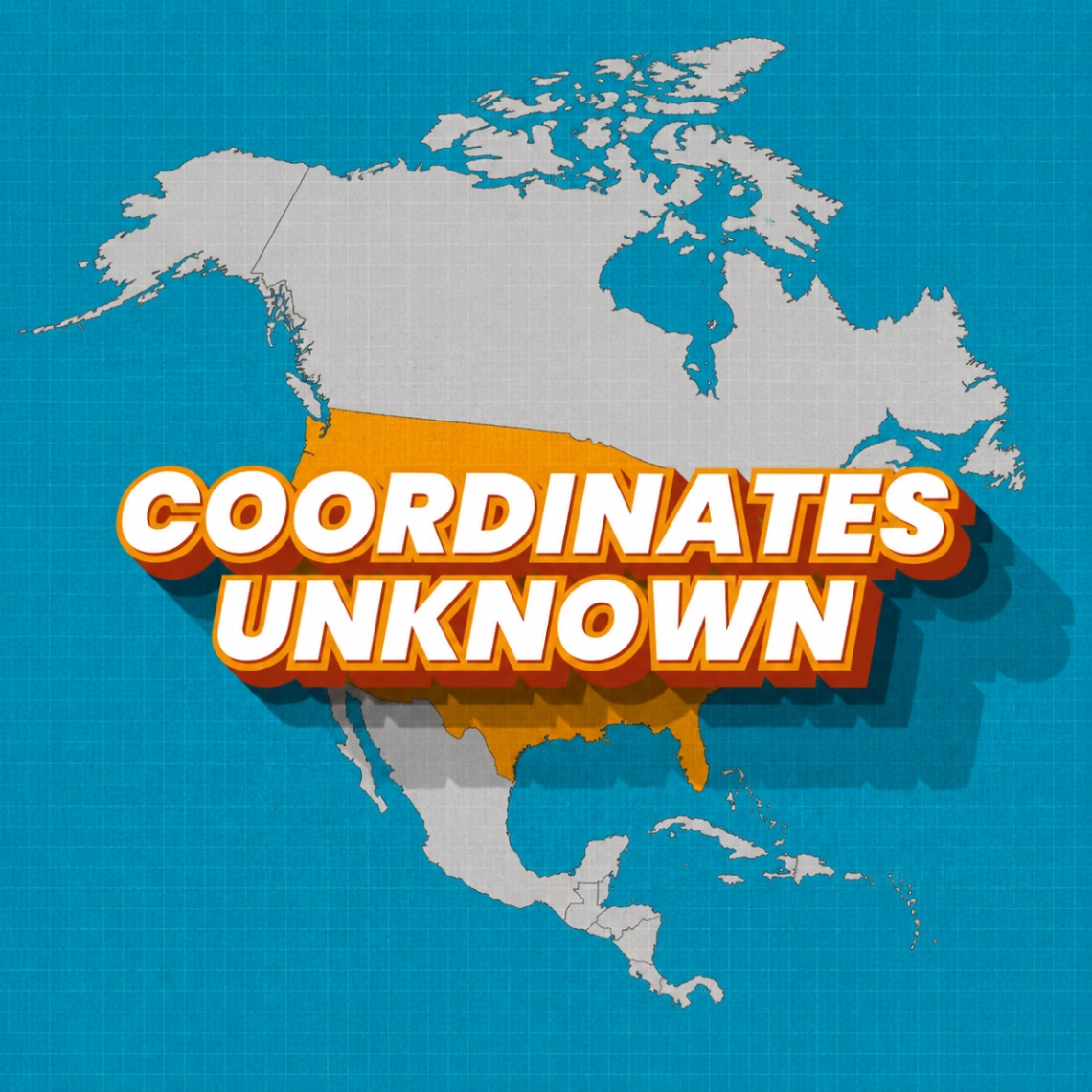
A celebrity name is your clue, and the room becomes a map. Coordinates Unknown asks students to choose which U.S. region a famous person comes from. Move to the matching corner and hope your pop-culture geography keeps you in the game.
You know the line—but can you name the movie? Catch Phrase - Disney Movie Edition challenges students to match ten familiar Disney and Pixar catchphrases to their films. Play individually or in teams, write down each guess, and reveal the answers to see whose movie memory wins.
A familiar song title might hide behind a very unfamiliar phrase. Thesaurus Karaoke – Vol 2. replaces lyric words with synonyms and challenges players to identify both the song and artist. Students work backward from the rewritten line to the music they recognize.
Remember the moment, then remember the phone. iPhone History pairs pop culture events with a challenge to name the newest iPhone available at the time. Students connect their entertainment memories to Apple’s model lineup before the supplied answer puts their guess to the test.
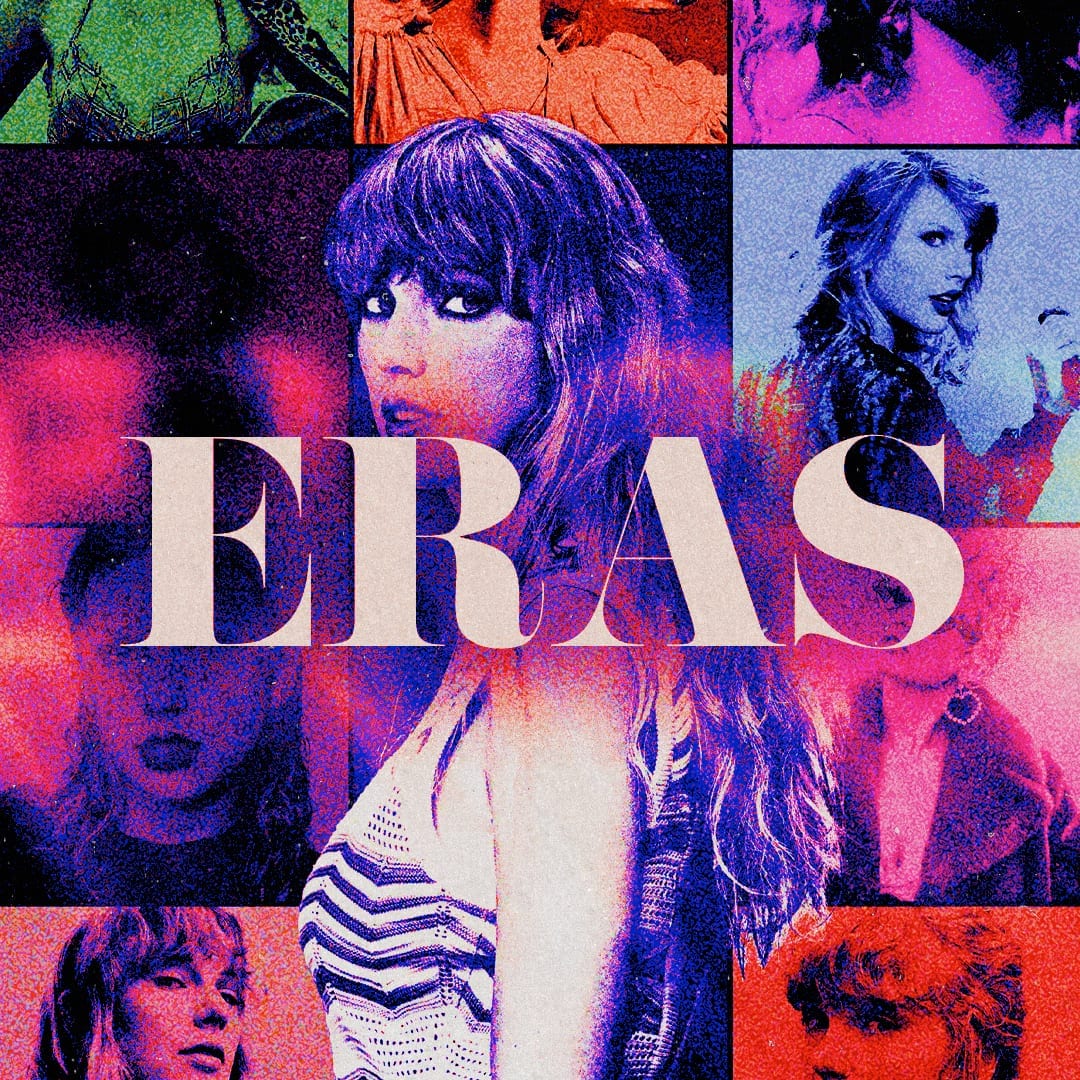
Pop culture has a timeline, and Eras measures it in Taylor Swift albums. Students see an event and choose which Taylor era it happened in. Place the moment before the reveal and find out how well your music memory lines up with the calendar.
Pumpkin spice gets its own quiz in Trivia - Pumpkin Spice Edition. Students answer questions about the fall drink, from its initials to the coffee culture around it. Individuals or teams compare answers with the reveals and try to finish with the most correct.
The face looks almost familiar, but AI has added its own interpretation. AI Spy - Celebrity Edition asks students to identify famous people from AI-generated pictures. Study the visual clues, make a celebrity guess, and see whose name the image was meant to suggest.